About the content library
The library holds structured content — items like Articles, Events, and People that exist on their own, independent of any one website. You create them once and display them on a site (or several sites) through folders. This is the "linked content" side of Uniweb; for the distinction, see Content you write vs. content you link.
What the library holds
The library organizes content by type, and each type has fields suited to it: an Article has a body and a date, a Person has a bio and contact details. The fields are consistent within a type, which is what lets a section display many items neatly in a list, directory or grid.
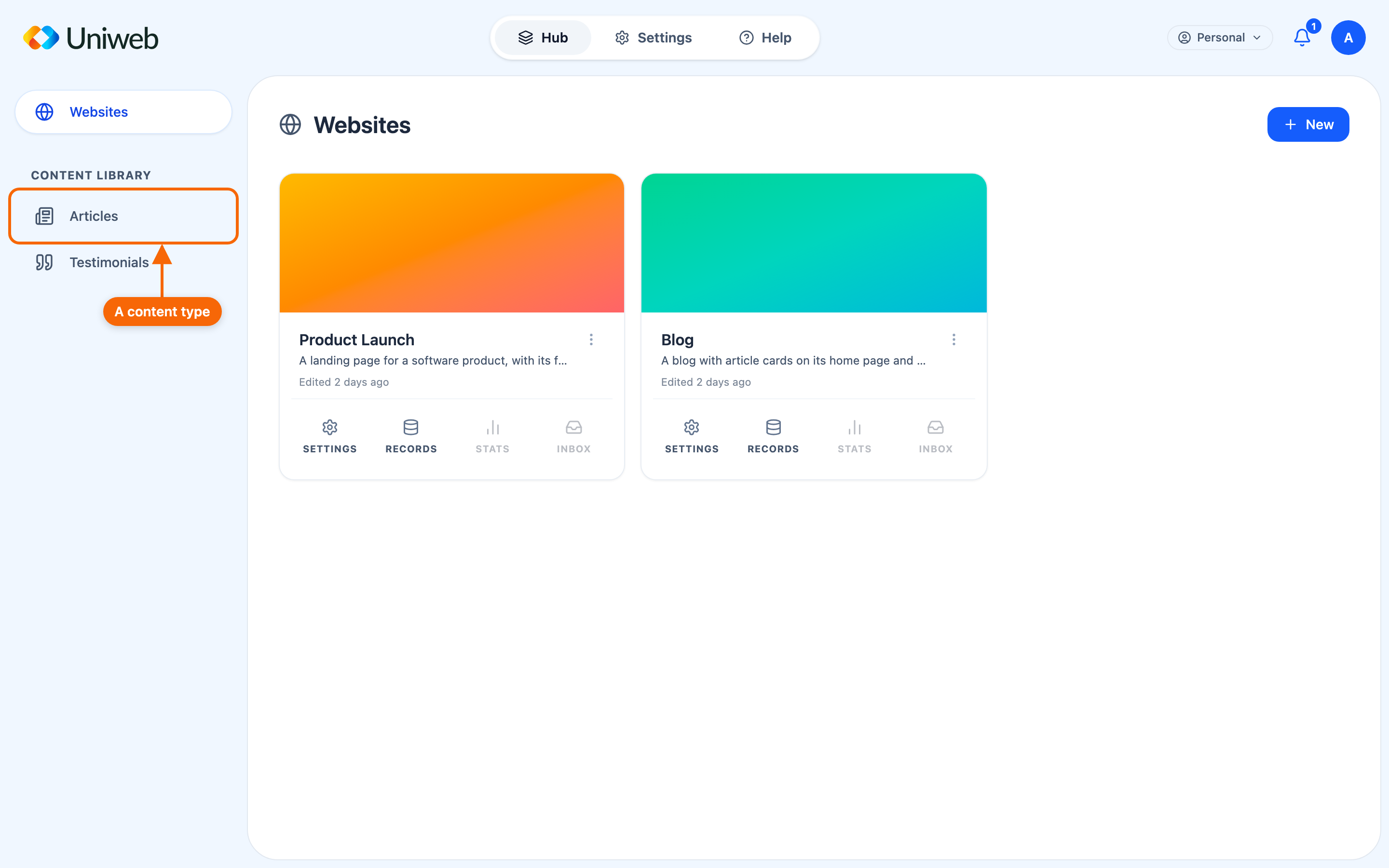
⭐ Which types you have is a property of your workspace, not a fixed list. The Hub's sidebar shows the types your workspace uses under Content Library — commonly Articles — and a workspace set up for a different job has different ones. Don't expect a catalogue of every type Uniweb can model; expect the ones you work with.
The list follows what your workspace holds: a type you start using appears, and one you no longer hold leaves. The Content Library group itself appears once there is at least one such type.
Why use the library instead of writing on a page
Reach for the library when you need any of these:
- Live updates. Change an item and everywhere it appears updates automatically — no republishing (with the site's live records feature on).
- Collaboration. Share the site with someone as a Contributor; they add content to its Records that shows on your site, without touching its pages.
- The same content in several places. One Article or Person can appear on multiple sites. Update it once, it updates everywhere.
- Structure. Consistent fields make items easy to display as lists, directories, and grids.
If none of those apply, writing directly on the page is simpler. Most sites use a mix.
How library content reaches a site
Creating a library item doesn't put it on a site — items live on their own until you place them. Two things have to be true for an item to appear:
- the item is in a folder the site reads from (see Folders);
- a section on the site is configured to display that type from that folder (see Displaying content from the library).
An item lives in a folder, and a folder is what a site reads from — so "where does this appear?" is answered by which folders hold it.