Domains
Your site goes live on a Uniweb address when you first publish it, and you can connect your own custom domain when you're ready. Domain settings live in the site's Settings, under Hosting → Domain.
Your Uniweb address
Every site gets a Uniweb address, so no domain of your own is needed. It sits at the top of the site's Settings → Hosting → Domain (also Site menu → Address and domains…).
- Before the first publish it reads "Not chosen yet." You can pick the name yourself with Choose an address: "Publishing gives your site an address here. You can choose it first." If you don't, the first publish gives the site its own name, or that name with four extra characters if it is taken.
- Once it has one, Change picks a new name: "Change it any time: the old address keeps redirecting here for a while."
Type the name: it is checked as you type, and Save turns on once it is available. Names are 3 to 63 characters, and a few reserved words are refused. A name the site gave up is listed under Earlier addresses, with the date it keeps redirecting (or is held for the site) until; Use again takes it back.
Connecting your own domain
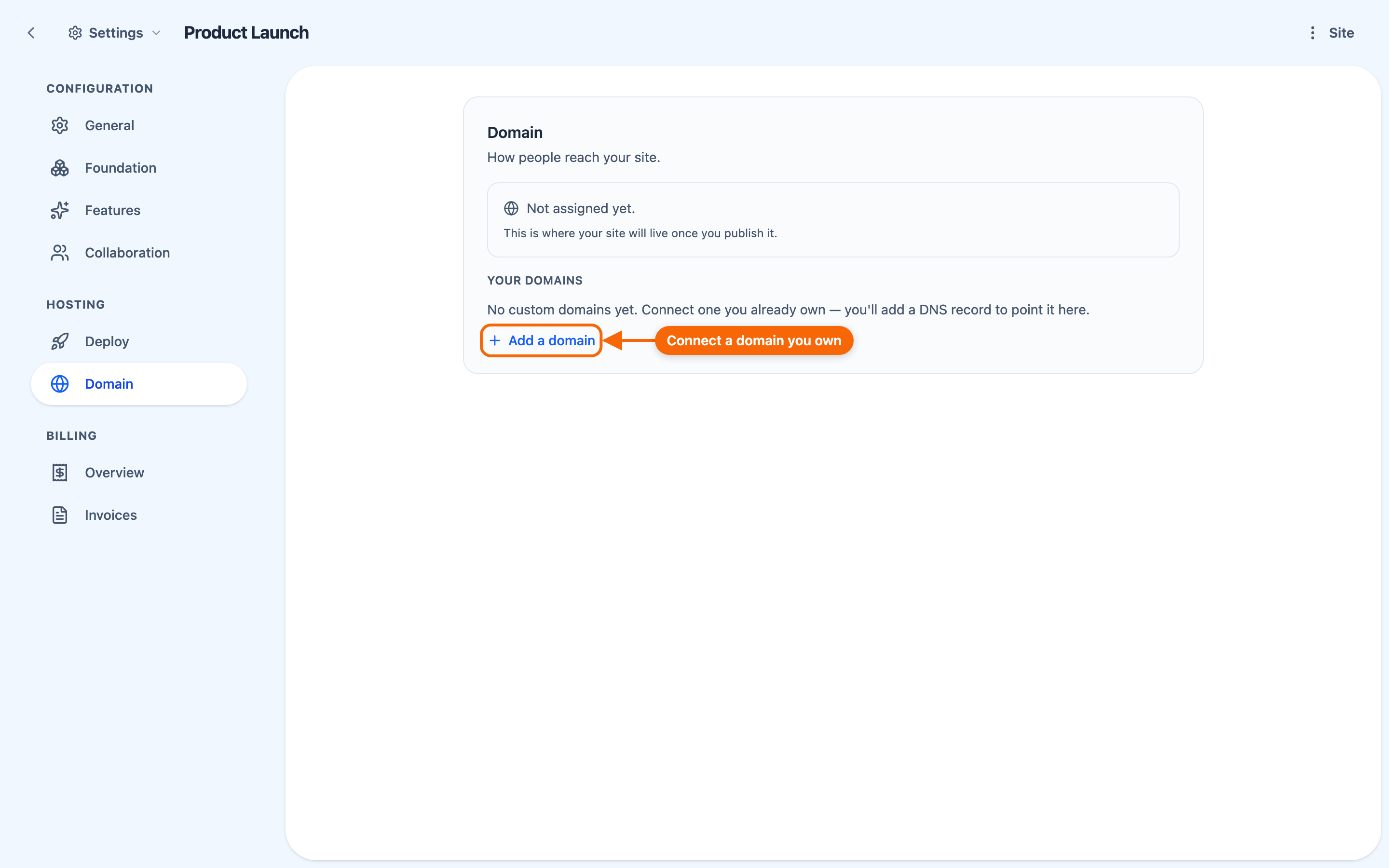
To use your own domain (for example www.yourname.com), open the site's Settings and go to Hosting → Domain, then Add a domain:
- enter the domain you want to use;
- add the DNS record the app shows you, at whoever manages your domain — "We'll show you exactly which one." There can be more than one: once the certificate has started, more records appear ("add this one first"), and the row counts them ("DNS records (1 of 2 verified)");
- wait: the domain activates once the records are detected, and its secure certificate is issued automatically. Refresh status checks again now.
⚠️ A root domain (yourname.com, without www.) can't be connected directly: connect www.yourname.com and forward the root to it at your registrar — the app shows how.
A few things to know
- HTTPS is handled for you. Certificates are issued automatically once your domain is connected.
- DNS changes aren't instant. They can take some time to take effect after you make them.
- One site per domain. A domain belongs to one site at a time. To move it to another site you administer, add it there: its row offers Move it to this site, and Move it here moves it at once — "No DNS changes are needed." A domain held by a site you don't administer needs support to move.
- Disconnecting keeps the domain on the list, with Reconnect: it stays reserved to that site until it's reconnected or the site is deleted.
- Several domains on one site. Choose its main address among them (shown once the site answers on two or more addresses), and a live domain can be set to serve one of the site's languages (Serve in, when the site publishes more than one).
- A site with a connected domain can't be deleted until the domain is disconnected.